Your review · For shoppers
How to leave a review
Use the email link or the product page. No Syncnity account needed.
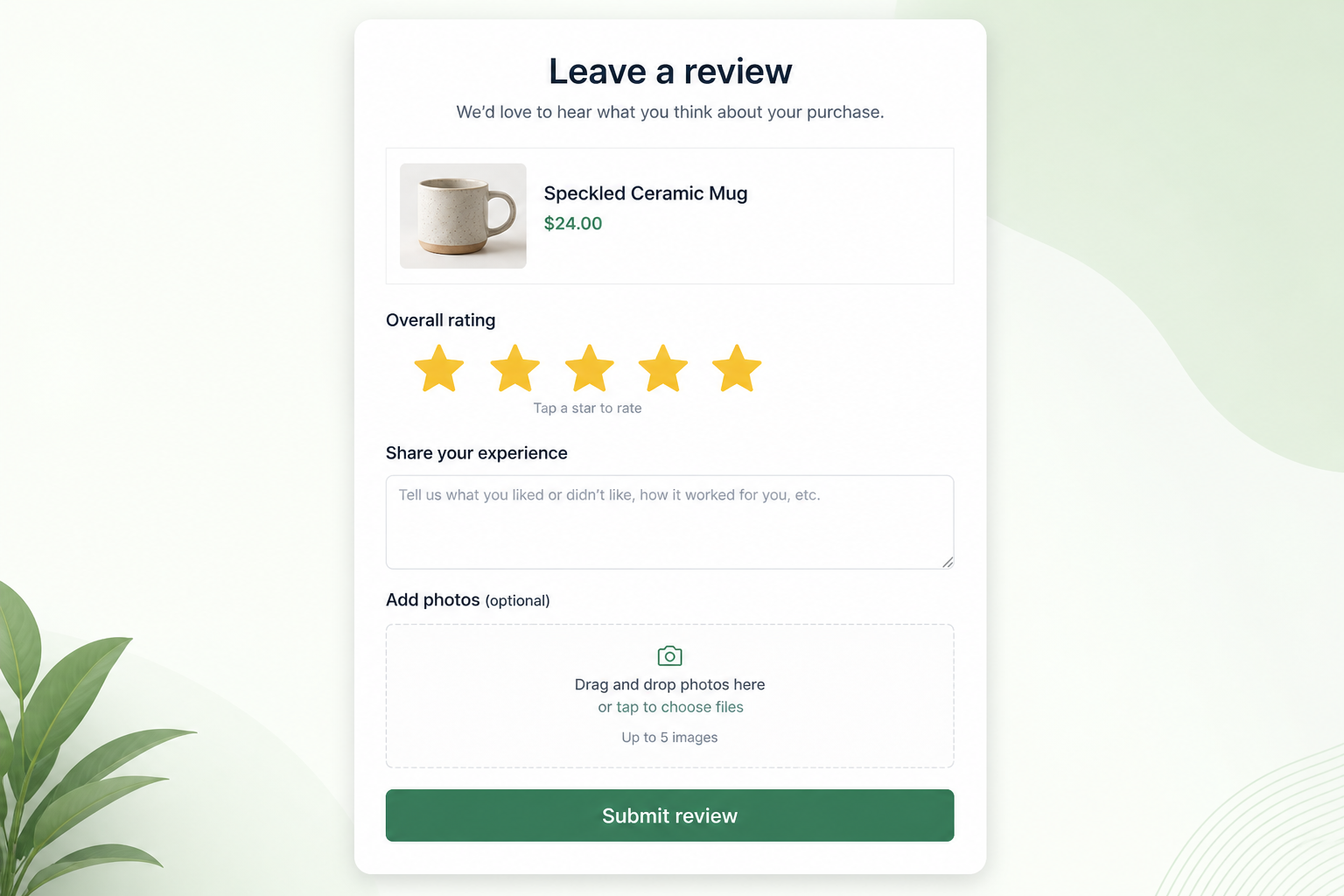
If you bought from a store that uses Syncnity, you leave a review from their email — or from Write a review on the product page. You do not create a Syncnity account.
What it does
Your stars, text, and optional photos help other shoppers and the store. The unique email link lets the store mark the review as verified.
Where you see it
On the product page: the write-a-review form (stars, required fields, media, close with X, Escape, or the backdrop). After a successful send you see a thank-you. You may also arrive from a review-request email after delivery.
How it works
Choose 1–5 stars, complete required fields (including a valid email if asked), add photos if you can, submit. Empty required fields and invalid email are blocked. The store may approve the review before it appears. Do not include other people’s faces or private information.
For a package problem, contact the store. Syncnity does not run their shipping.
Related
Did this answer it?
Your vote helps us write the next guide.