
Team & store
Invite your team
Staff access without sharing the store owner login.
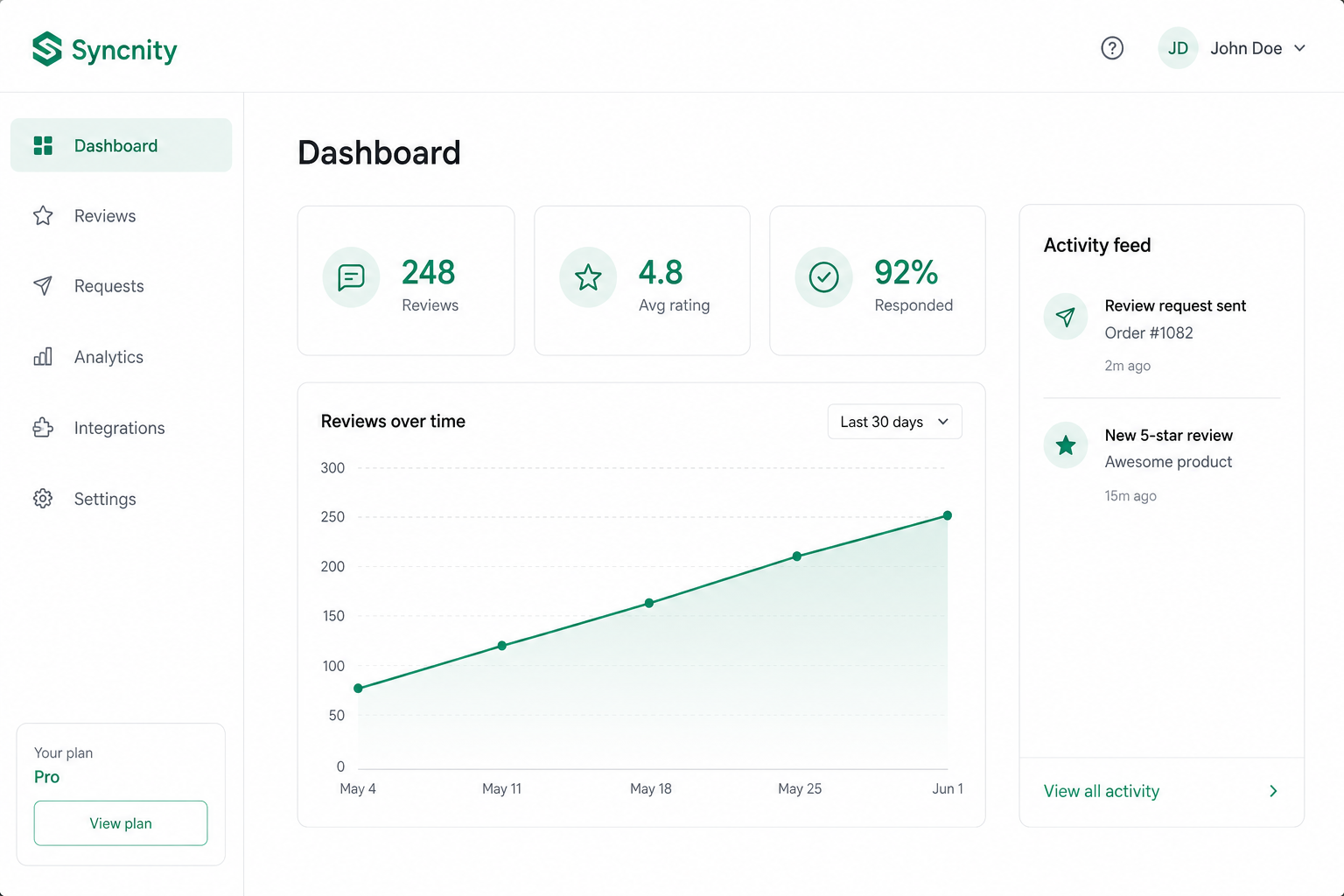
Team invites let staff use Syncnity without the store owner’s Shopify login.
What it does
Support can publish Q&A. Marketing can edit widgets. You keep owner billing.
Where it lives
Settings → Team (`/admin/settings/team`): Team Management, Invite team member, and Role Permissions. Duplicate emails are blocked in the form.
How it works
Send an invite to a work email. They accept the link and land in that store. Remove access when someone leaves. Invites are per store.
Also in Settings: Branding (logo, star styles, corner styles), Stores (connected store, currently selected), Email (store email settings), Plan.
Related
Did this answer it?
Your vote helps us write the next guide.