
Shopify basics
Switch between stores
Each Shopify store is its own Syncnity workspace.
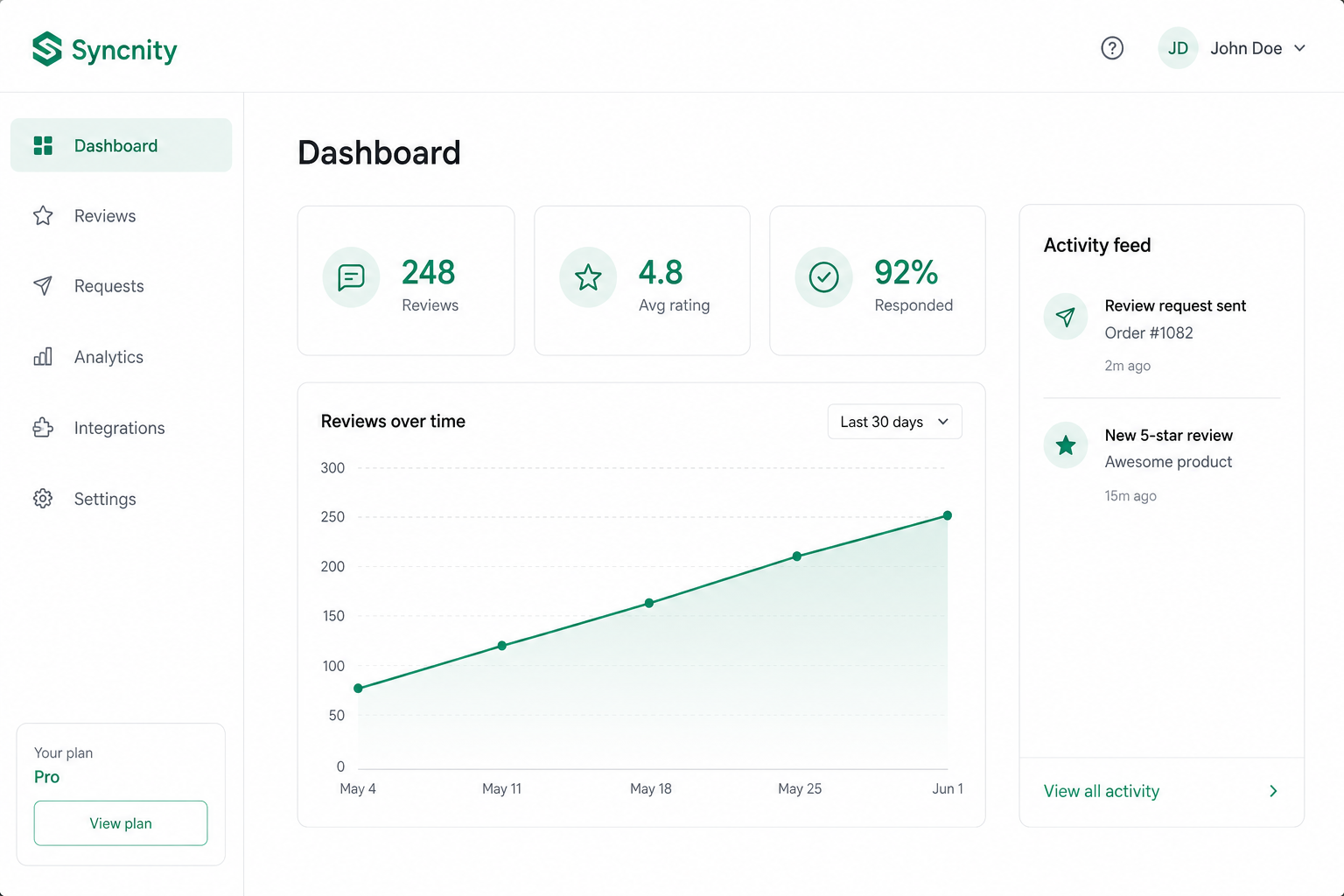
One Syncnity login can belong to several Shopify stores. Reviews, widgets, emails, and billing never mix.
What it does
It keeps each shop as its own workspace so an agency or multi-brand team does not publish the wrong reviews.
Where it lives
Settings → Stores, or the store switcher in the header.
How it works
Select a store. Dashboard numbers and widget settings change immediately. Install Syncnity separately on any shop that is not connected. Team invites are per store. Request quota is per store subscription.
Related
Did this answer it?
Your vote helps us write the next guide.