Form & groups
Customize the review form
Questions, required fields, and photo prompts.
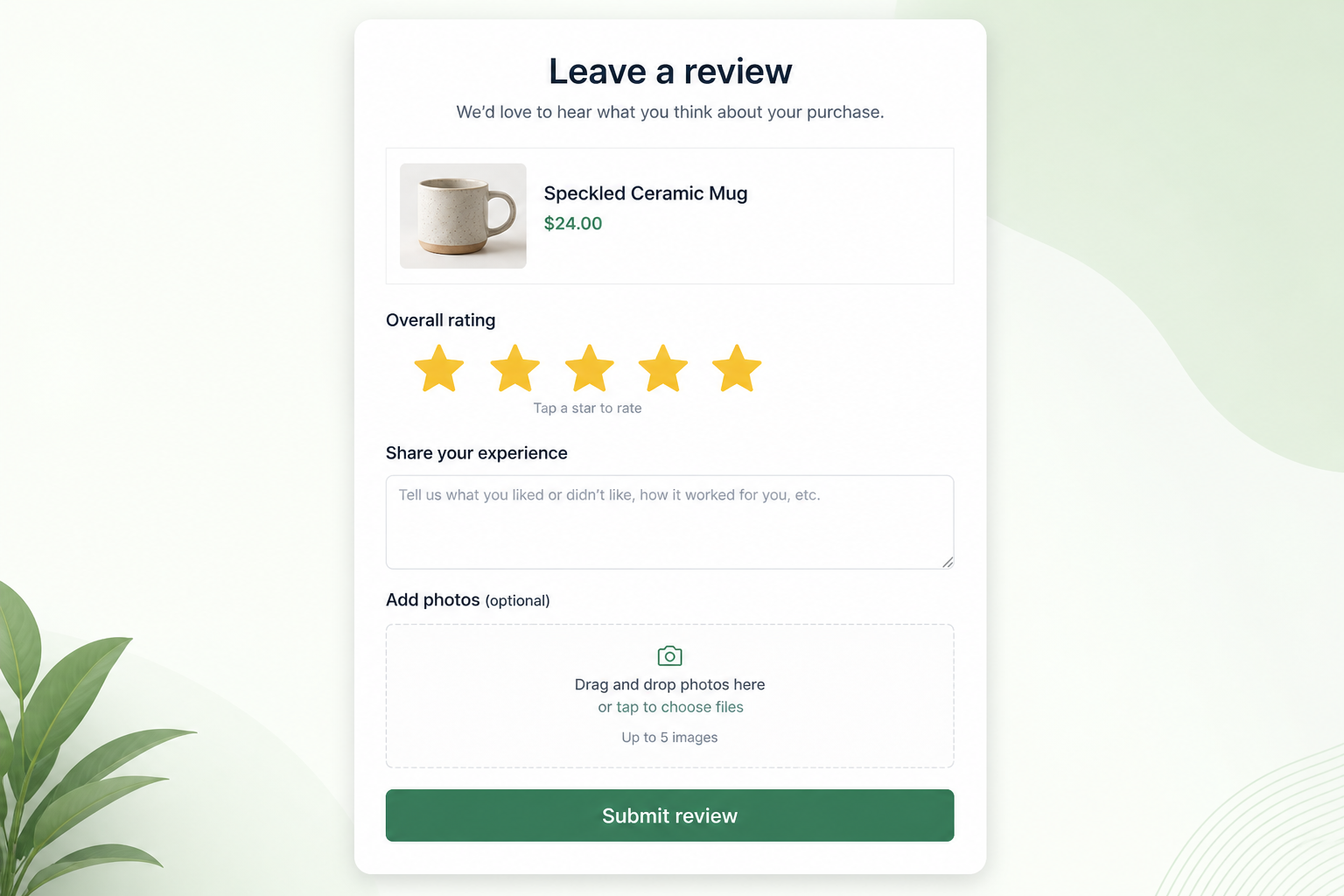
The review form is what customers see after they click the email (or Write a review on the store). Store-wide rules live under Reviews → Preferences → General Settings (`/admin/reviews/preference/general`). The form itself is linked from Collect Reviews → Customize Review Form.
What it does
A short form gets finished. General Settings also control SEO, review publishing (manual vs auto-publish), store reviews, and customer sync. If publishing is automatic, you choose a minimum rating (for example 3, 4, or 5 stars and up, or all reviews).
Where shoppers see it
On the product page write-a-review form: star rating, required fields, optional media, close with X / Esc / backdrop. A successful submit shows thank-you.
How it works
Keep stars and written review required. Add at most one or two custom questions if you will use the answers. Set photo optional unless a discount requires it. Save General Settings to apply auto-publish and SEO choices.
Related
Did this answer it?
Your vote helps us write the next guide.