Review emails
Send your first review request
Set send timing after fulfillment and test the email before you go live.
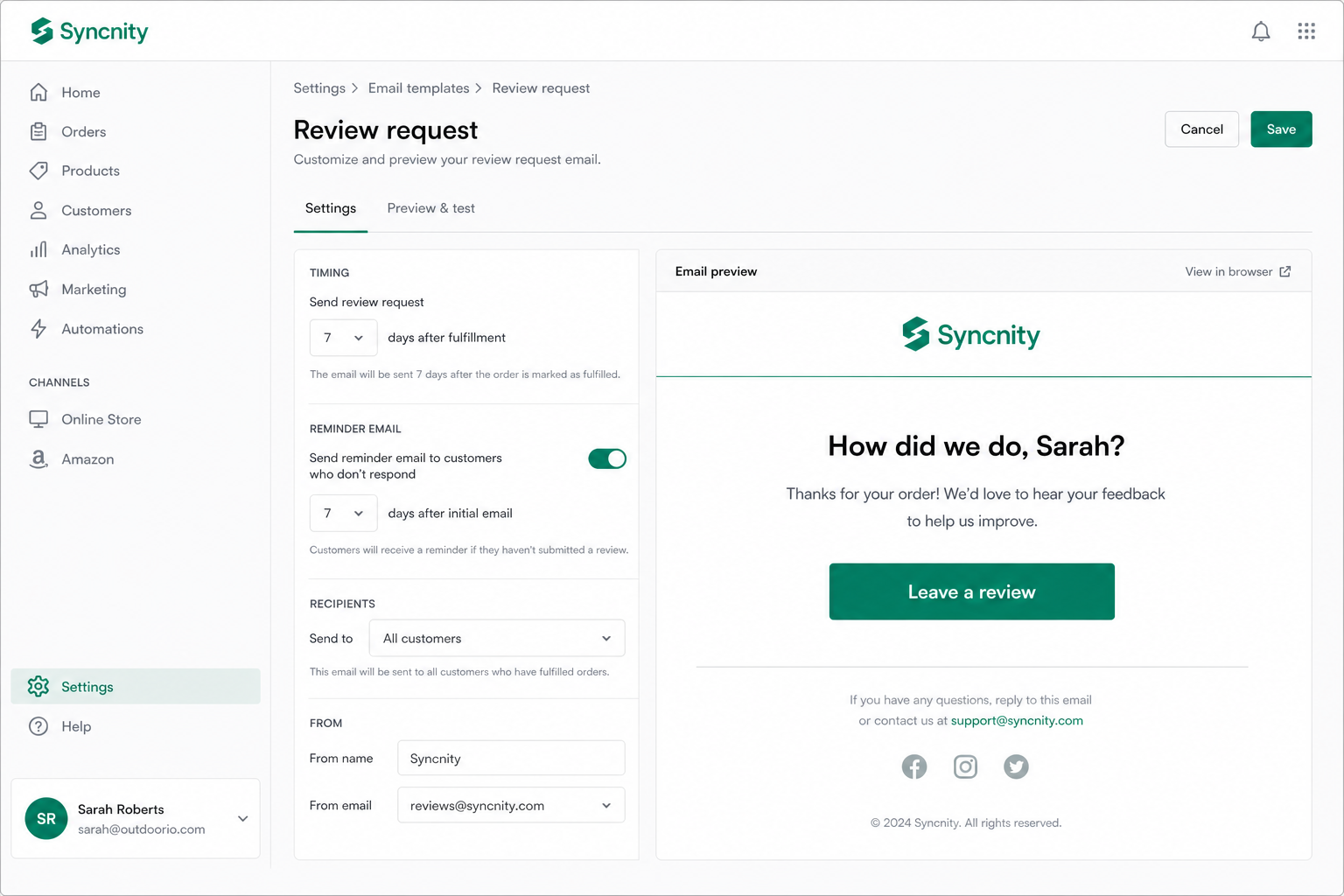
A review request is the email Syncnity sends after an order is fulfilled. The shopper taps Leave a review, rates the product, and submits. That send counts as one request against monthly quota.
What it does
It replaces manual “please review us” campaigns. You choose delay once (for example 7 days after fulfillment). Every eligible fulfilled order after that is automatic.
Where merchants work
Reviews → Collect Reviews (`/admin/reviews/collect`). The hub has a four-step journey: Request, Reminders, Reward, Notifications. From here you open Review requests, the bulk wizard, history, and Customize Review Form. There is a timezone control and an automated-requests on/off toggle.
The request inbox is Reviews → Review requests (`/admin/reviews/review-requests`): stats cards, status tabs, search, type and date filters, rows you can resend, cancel, or bulk-delete, plus Export CSV. Schedule Bulk Request opens the wizard.
Where shoppers see it
Their inbox — not the Syncnity admin. They do not create an account.
How it works
Syncnity reads fulfilled orders with a customer email. It sends the request, optional reminder, thank-you, reply, and photo follow-up templates you customized. Automatic sends, reminders, and bulk asks use quota. Widgets and CSV import do not.
Free includes 25 requests per month.
Related
Did this answer it?
Your vote helps us write the next guide.