Install & first run
Install Syncnity on Shopify
Add the app, approve permissions, and turn on the theme embed.
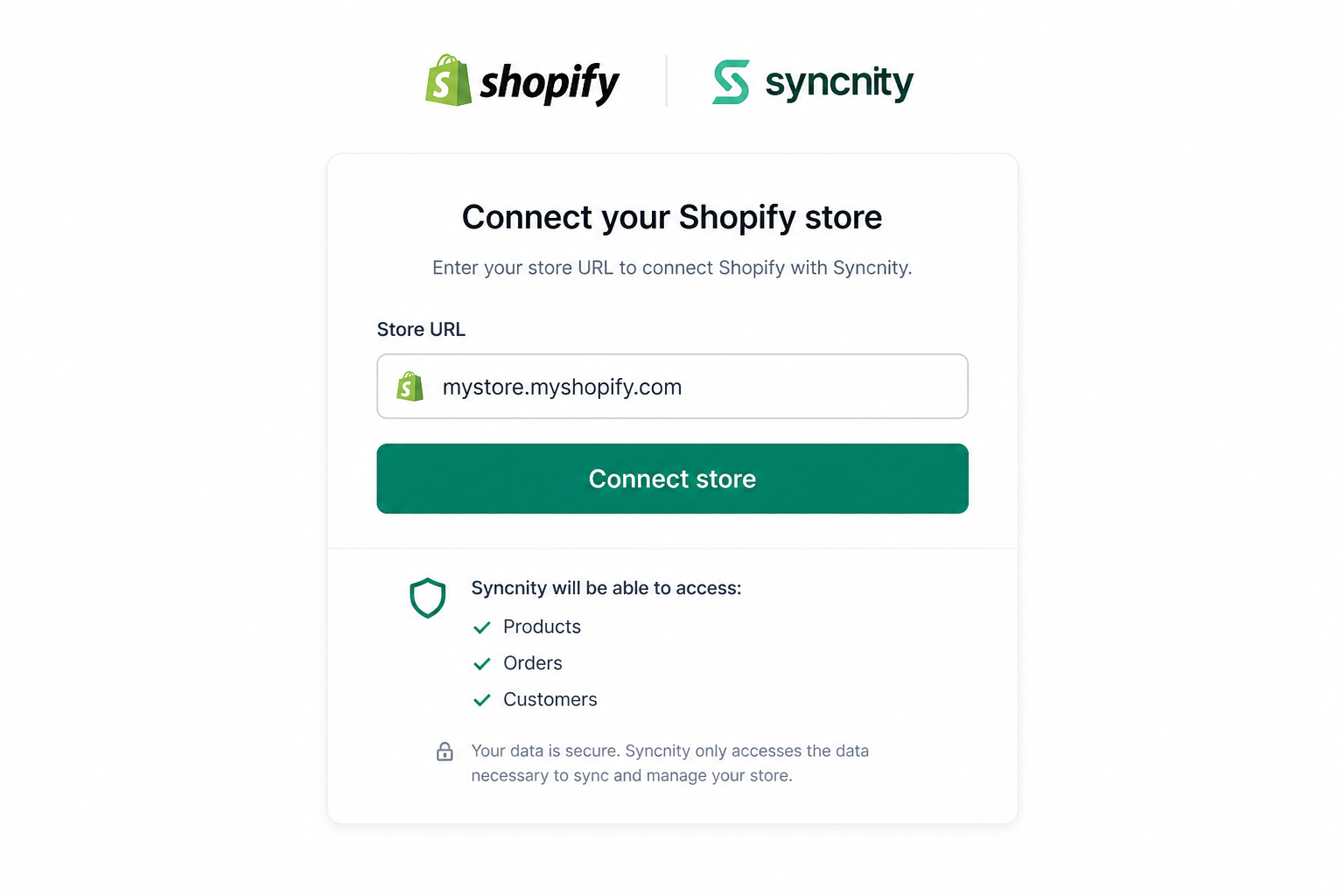
Syncnity installs from the Shopify App Store. Default widgets use an app embed. You do not paste Liquid for the standard placements.
What it does
The install connects one Shopify store to one Syncnity workspace. Permissions cover products (where reviews attach), orders (who bought what and when it was fulfilled), customers, and theme content (so widgets can render).
Where you work
Shopify App Store → Add app, then the Syncnity Dashboard. Theme: Online Store → Themes → Customize → App embeds.
How it works
- Add the app and approve scopes.
- Wait for the first product/order sync.
- Enable the Syncnity app embed and save the theme.
- Follow the dashboard checklist: request emails, then at least the Product Review widget.
Each store is a separate workspace. Switch them under Settings → Stores.
Related
Did this answer it?
Your vote helps us write the next guide.