Bulk, import & export
Export reviews
Download reviews for backup, analytics, or a move later.
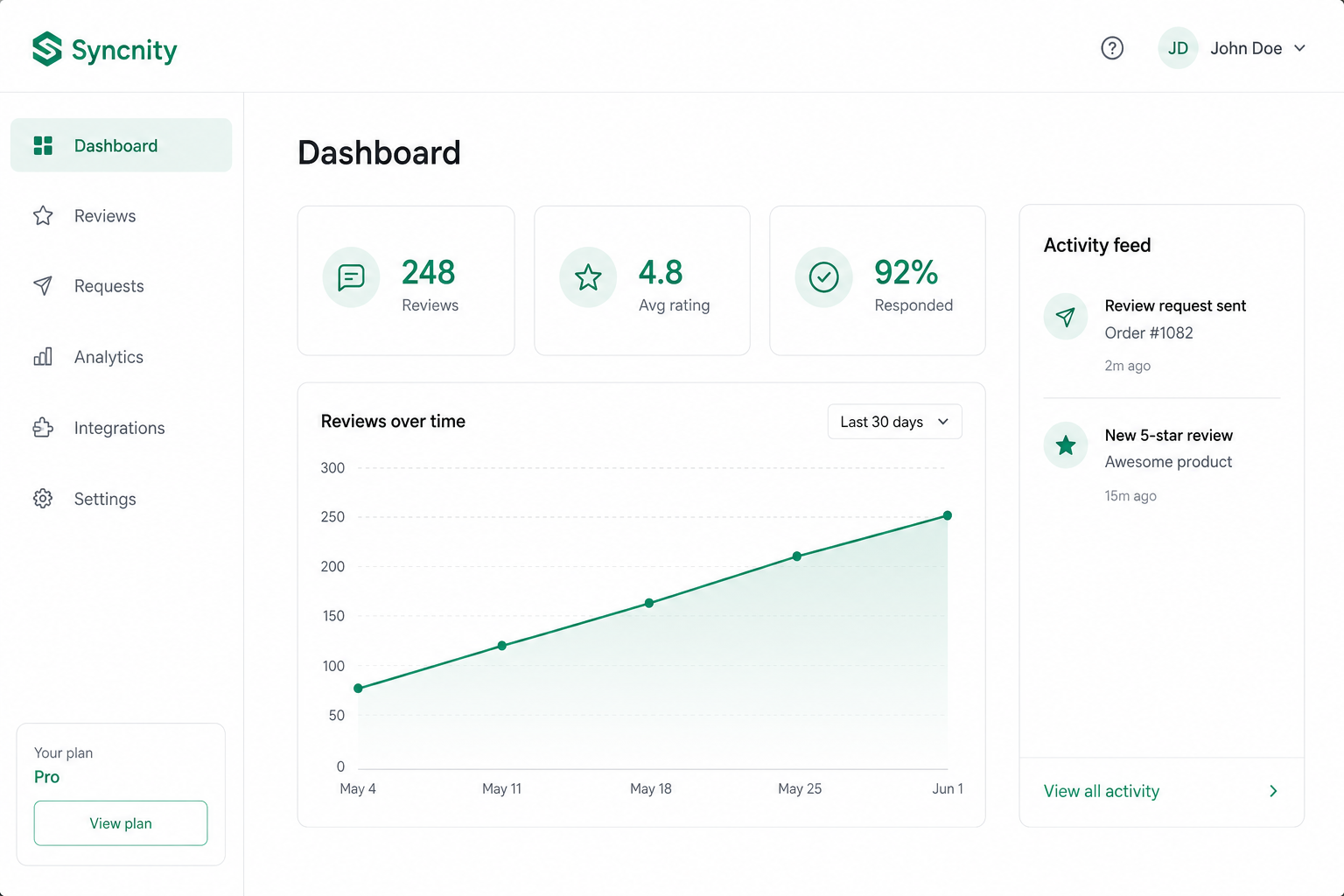
Export is how you take data out of Syncnity. What actually downloads depends on which screen you are on.
Review requests (file download)
Reviews → Review requests (`/admin/reviews/review-requests`) Export downloads a CSV of request emails, not the published review list. It uses the same filters as the list. Columns include customer, order, status, sent/scheduled dates, whether a review was submitted, opens, clicks, and bounce/failure reason.
Reviews list and Q&A
Manage Reviews and Q&A show Export in the UI. A CSV of the reviews table and of Q&A is the intended download. Until that is live, use Review requests export for campaign history.
Export modals may say “sent to your email.” Review-requests export is a browser file download.
Related
Did this answer it?
Your vote helps us write the next guide.