Install & first run
Navigate the Syncnity dashboard
Review volume, ratings, Q&A, and the welcome checklist.
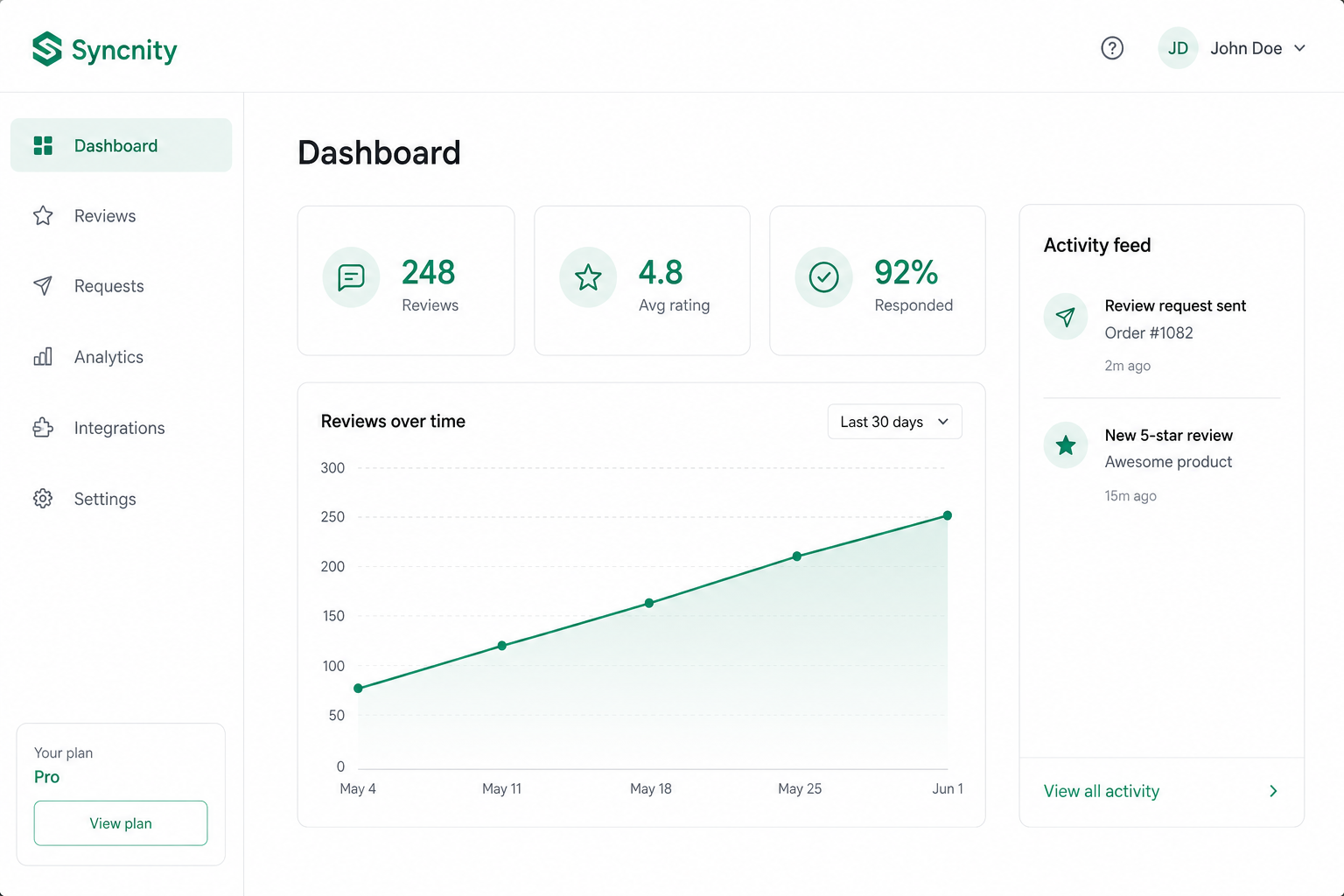
Dashboard is the home screen after login (`/admin/dashboard`). It is not a widget. It is the health view of collection, display, and Q&A.
What it does
It shows a welcome shell, Improve your performance recommendations, quick setup toward first reviews, and metrics (volume, rating, a report snapshot, recent reviews). If the dashboard fails to load, use Retry.
Where it appears
Left nav → Dashboard. Only merchants see this; shoppers never log in.
How it works
Numbers are for the connected Shopify store. Zero on a brand-new store is normal until fulfilled orders pass your send delay. Widget-level reporting is under Reviews → Widgets → Reports (`/admin/reviews/widgets/reports`). Store lists (customers, orders, products) are under Admin → Customers / Orders / Products.
Related
Did this answer it?
Your vote helps us write the next guide.